
How To Submit A Funding Application (Quick Grants & Annual Grants)
Click here to watch our video tutorial.
STEP 1: Log in to GrantEd.
STEP 2: On the dashboard, select the "Funding" tab.
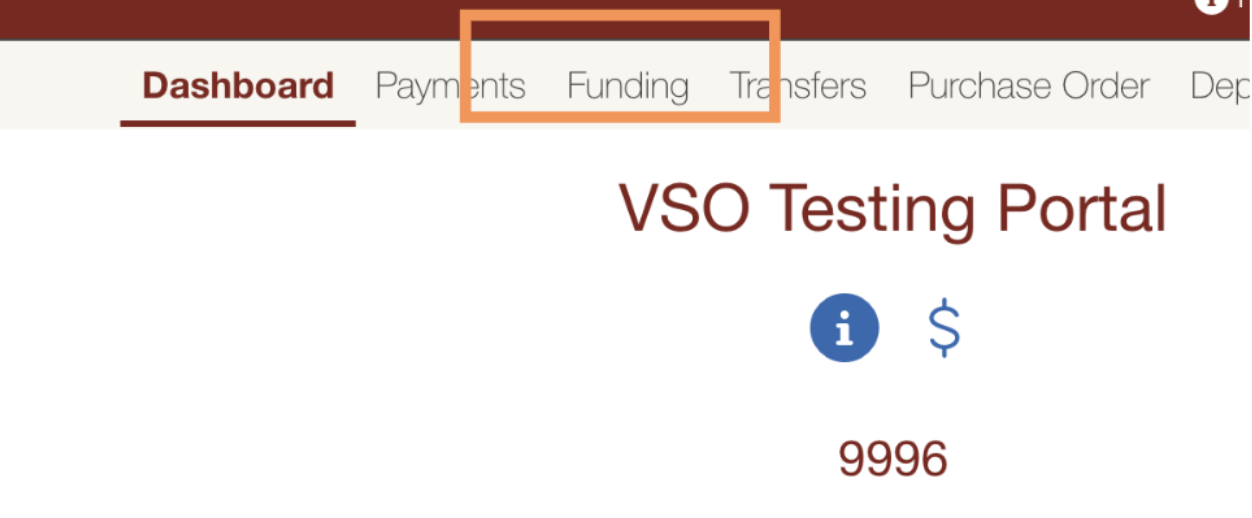
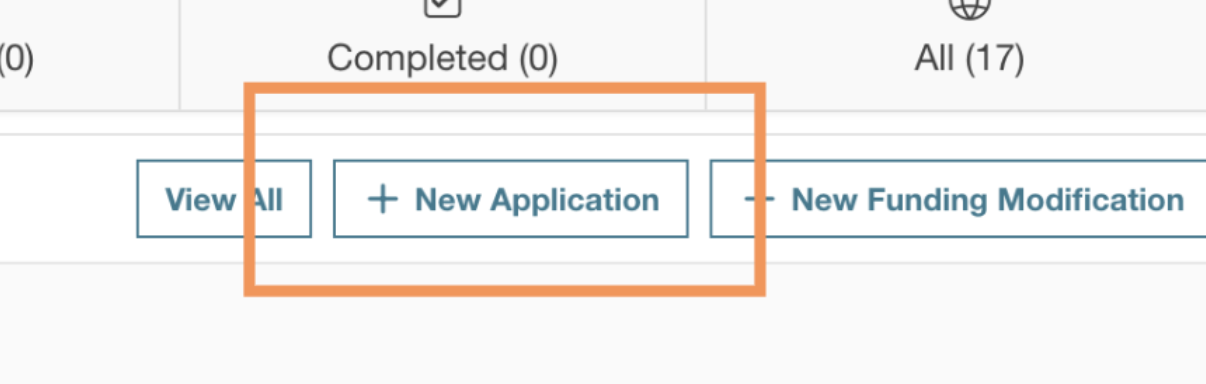
STEP 3: Click on "New Application" to start your request
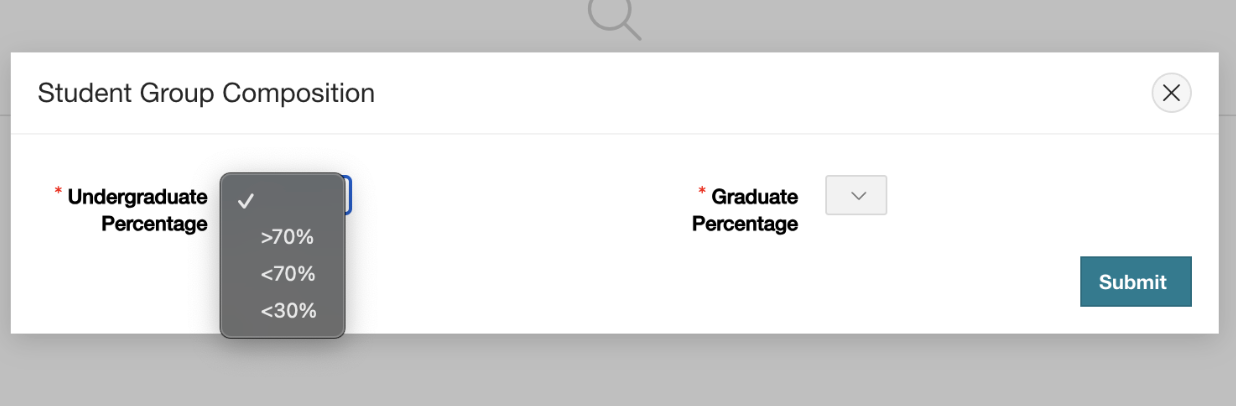
STEP 4: Fill out the VSO demographic section. This will determine which ASSU funding body will review your application.
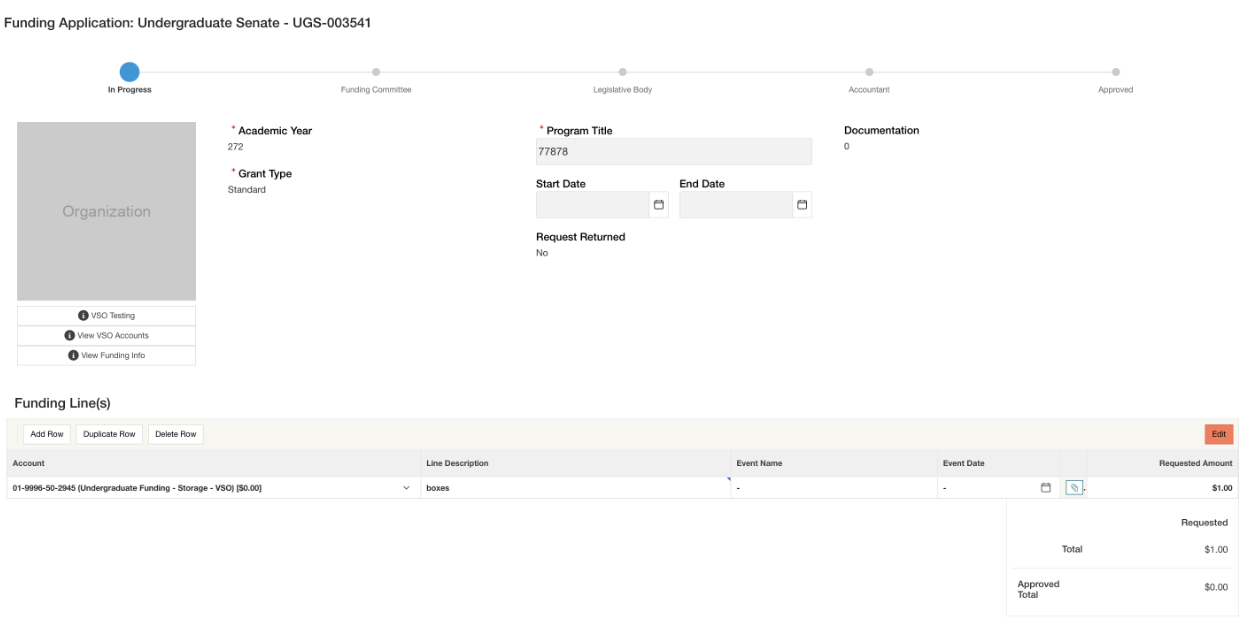
STEP 5: On the next page, select your funding source and fill out the required details.

STEP 6: On the next page, provide the required details:
The account where the funds should be deposited.
The specific item or event you are requesting funding for.
The amount you're requesting.
Any additional information or questions required by ASSU
STEP 7: Submit your application.
STEP 8: Wait for the relevant funding bodies to vote on your request.
STEP 9: Make revisions as necessary, based on any feedback.
STEP 10: Wait until the funds are deposited into your account before submitting any payment requests. For further information on how to submit payment request, see here.
For further questions, reach out to Banking@sse.stanford.edu