
How To Submit A Funding Modification
Edited
Watch our video tutorial here:
STEP 1: Log in to GrantEd.
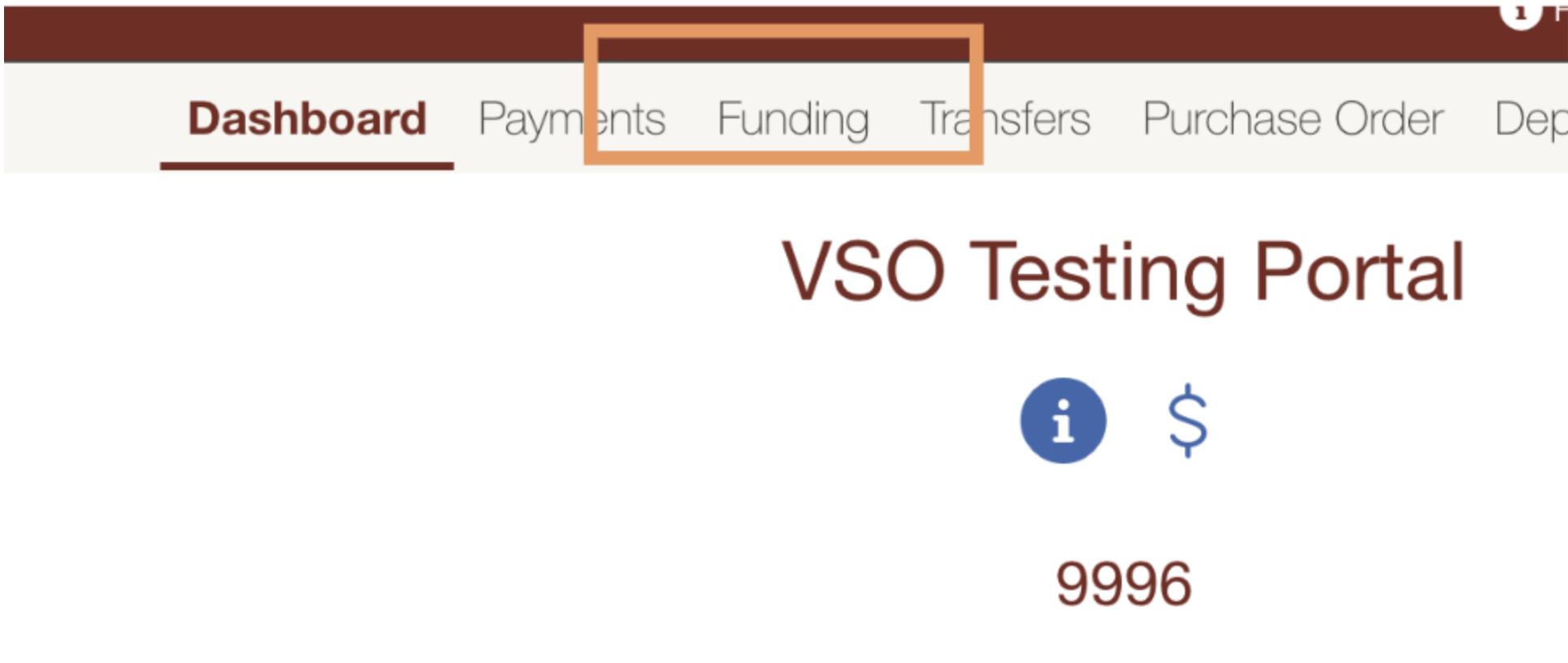
STEP 2: On the dashboard, select the "Funding" tab.
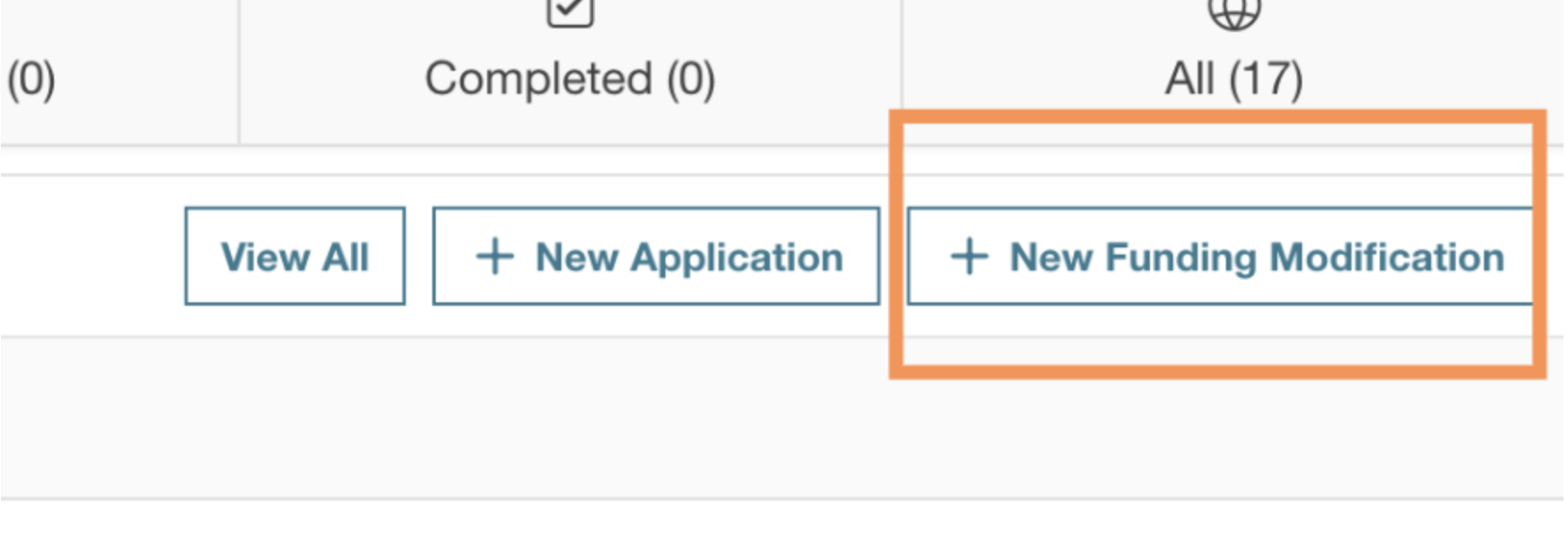
STEP 3: Click on "New Funding Modification" to start your request.
STEP 4: Complete the necessary information.
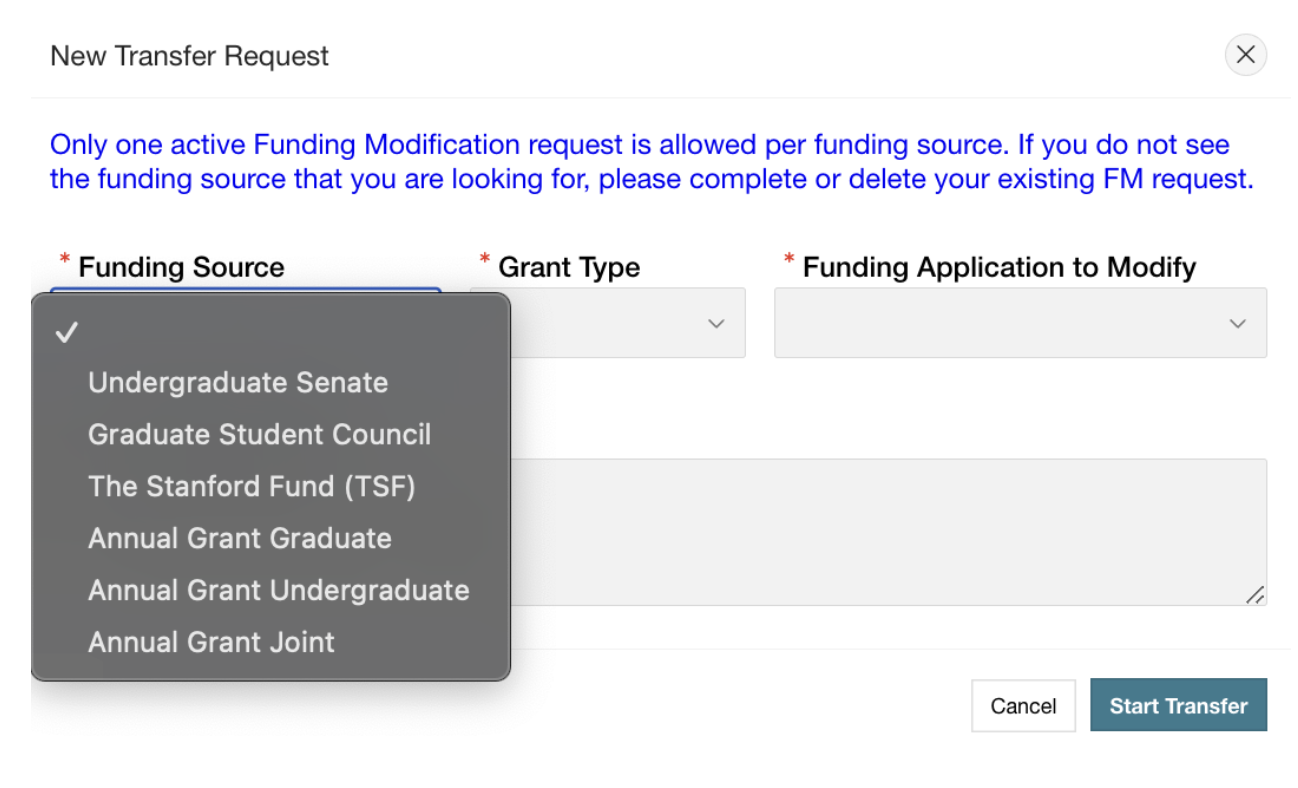
STEP 5: Submit your transfer
STEP 6: Wait for the relevant funding bodies to vote on your request.
STEP 7: Make revisions as necessary, based on any feedback.
STEP 8: Wait until the funds are deposited into your account before submitting any payment requests.
For any further questions, reach out to Banking@sse.stanford.edu