
How To Approve A Reimbursement Request (As A President Or FO)
Watch our video tutorial here:
STEP 1: Log in to GrantEd as either an FO or President/Vice-President
STEP 2: On the dashboard, select the "Payment" tab, or scroll down to "Recent Activity" and select requests that are listed as "In Review"
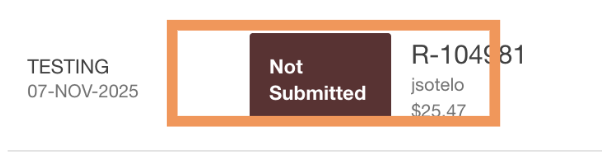
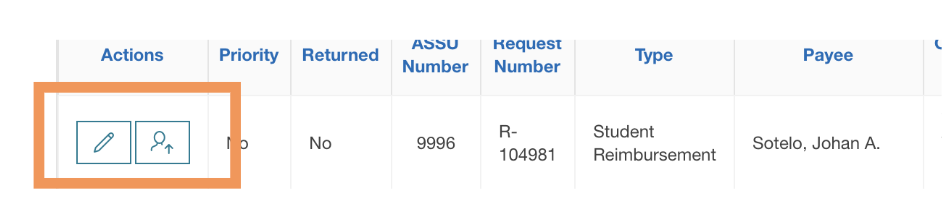
STEP 3: Review the request and assign it to yourself using the "Pencil" icon and/or "Assign" to make edits.
If you notice any errors in the documentation or request, please leave a comment detailing them and select "Request Amendments." This will return the request to the Stanford Affiliate who submitted it, along with your comment.

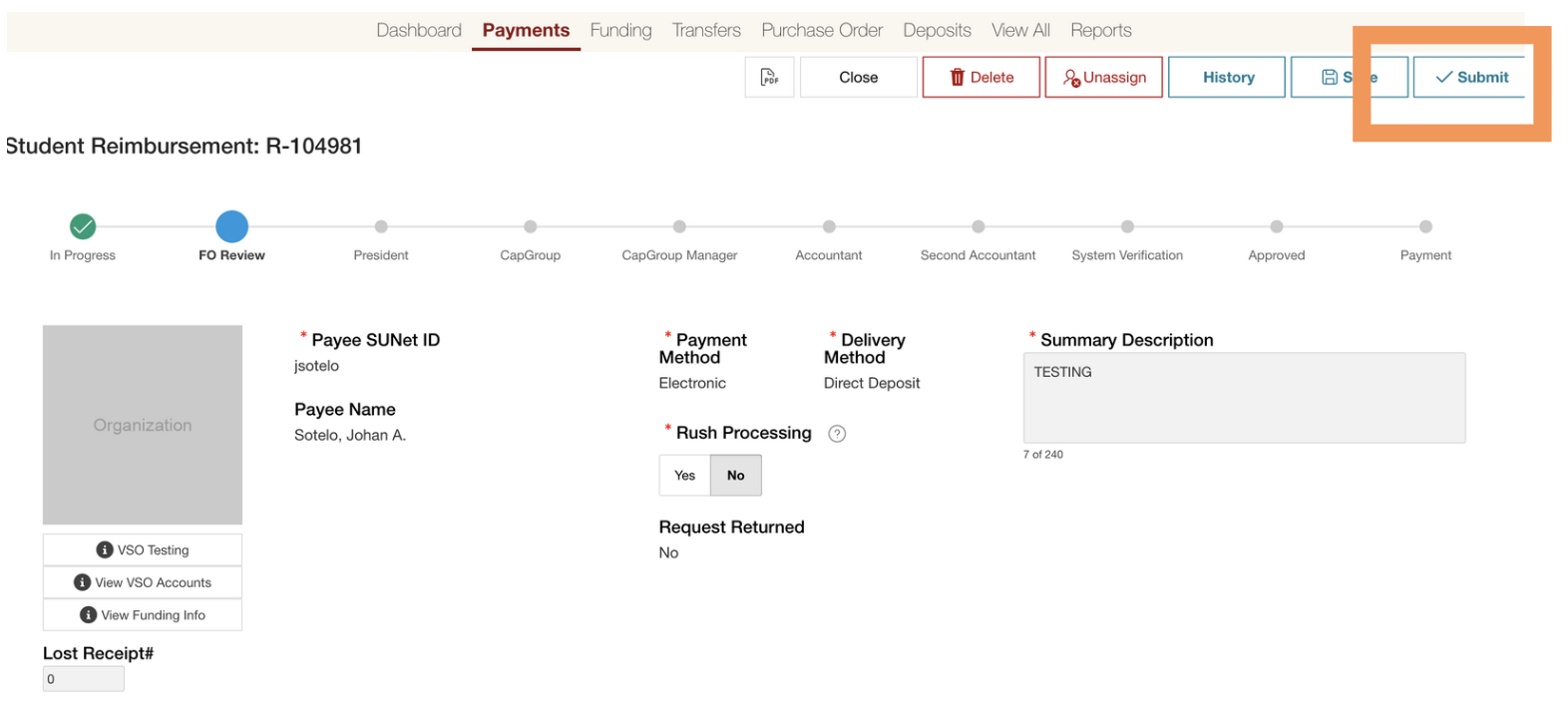
STEP 4: If you deem the request to be correct, press "Submit" where it will be sent to our team for further processing.
For any further questions, reach out to Banking@sse.stanford.edu