
How to Submit a Payment Through ASSU ePay (Payer Guide)
This page explains how to submit a payment through ASSU ePay as a Stanford affiliate (payer).
You will typically use ASSU ePay to submit copays, dues, or deposits to a student organization.
Step-by-Step Instructions
1. Log In and Select Your Role
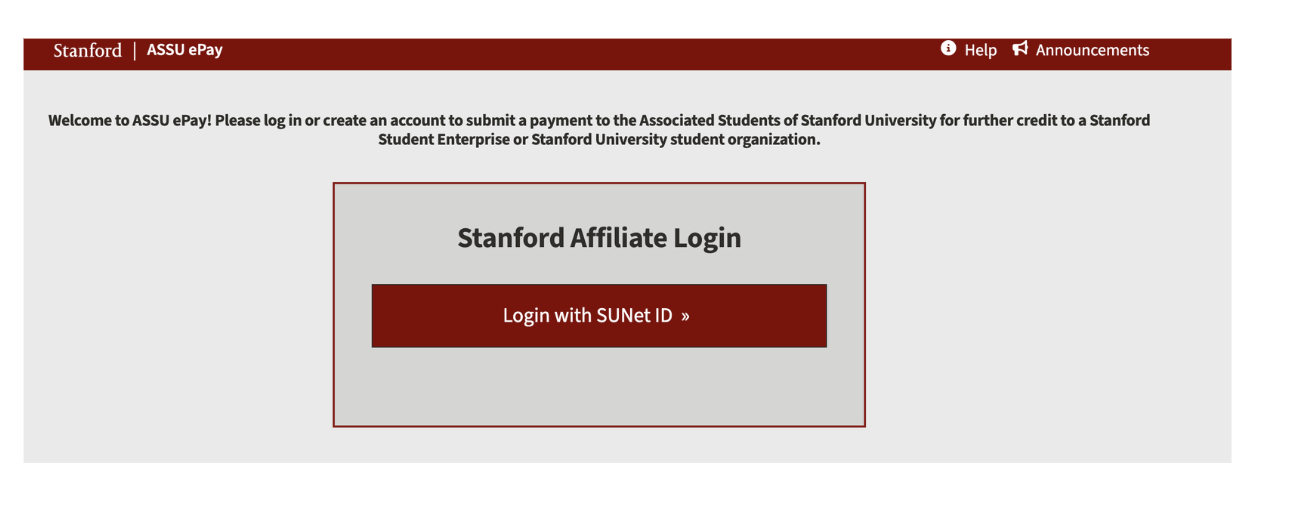
Log in to ASSU ePay using your SUNet ID
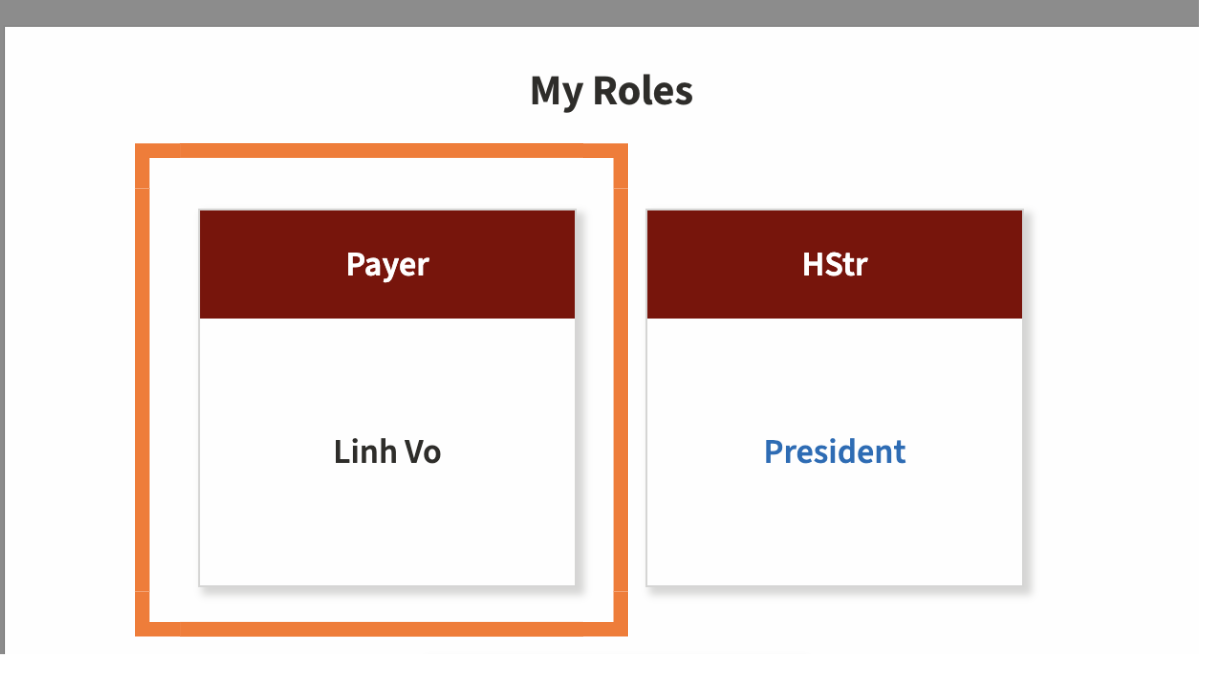
Select your role as Payer
2. Start a Payment
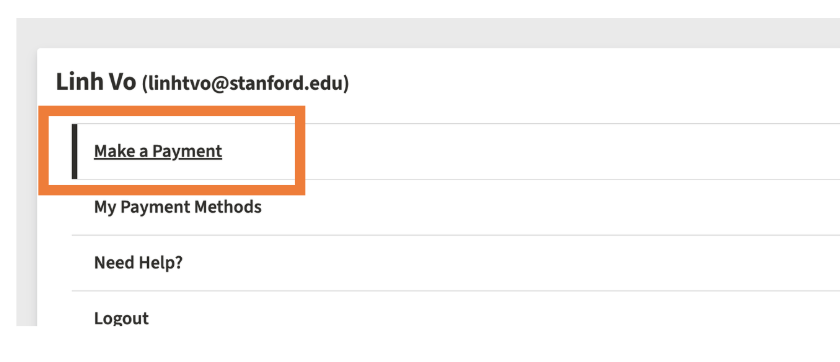
Select Make a Payment
Enter the Group ID for the student organization you are paying
Select the correct group from the list

3. Choose a Payment Type
Once the group is selected, choose the appropriate Payment Type. The most common options are:
Copays
Used when members contribute toward a shared group expense
Example: A group trip (e.g., skiing in Tahoe) where members pay their portion of the total cost
Your copay is deposited directly into the group’s ASSU account
Dues
Used when a group charges membership dues
Common for Fraternity & Sorority Life (FSL) organizations
Individual members submit their portion of dues through ASSU ePay
The group’s Financial Officer (FO) later pays nationals as a single lump-sum payment using the ASSU credit card
More information on FSL dues and ASSU ePay can be found on the ASSU website here: https://sse.frontkb.com/en/categories/1408449-fsl
Deposits
Used for payments that do not fall under copays or dues
Commonly used to:
Clear advance payments when there is leftover funding
Submit miscellaneous or one-off payments

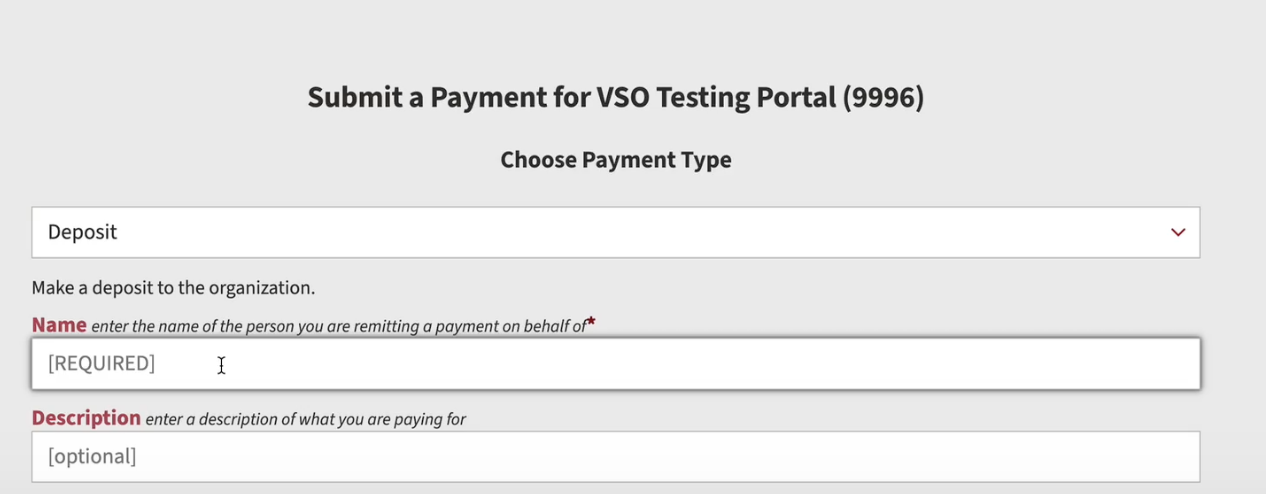
4. Fill out the required fields
Enter the payment amount you are sending
Fill out the required payer information (name, email, etc.)
Enter your credit card information
Review all details for accuracy before submitting the payment
Notes
Be sure to select the correct payment type to avoid delays or refunds
If you are unsure which payment type to use, contact your group’s treasurer or financial officer before submitting payment