
Step-by-Step Instructions for Viewing Payment History on ASSU ePay
Go to the ASSU ePay website:
Open your browser and navigate to https://assuepay.stanford.edu/.Login with your SUNet ID:
Use your SUNet credentials to log in.Verify your role:
If you are officially registered as a Financial Officer (FO) or President on CardinalEngage, your role will be displayed after logging in.
Note: Only FOs and Presidents have access to view payment transactions.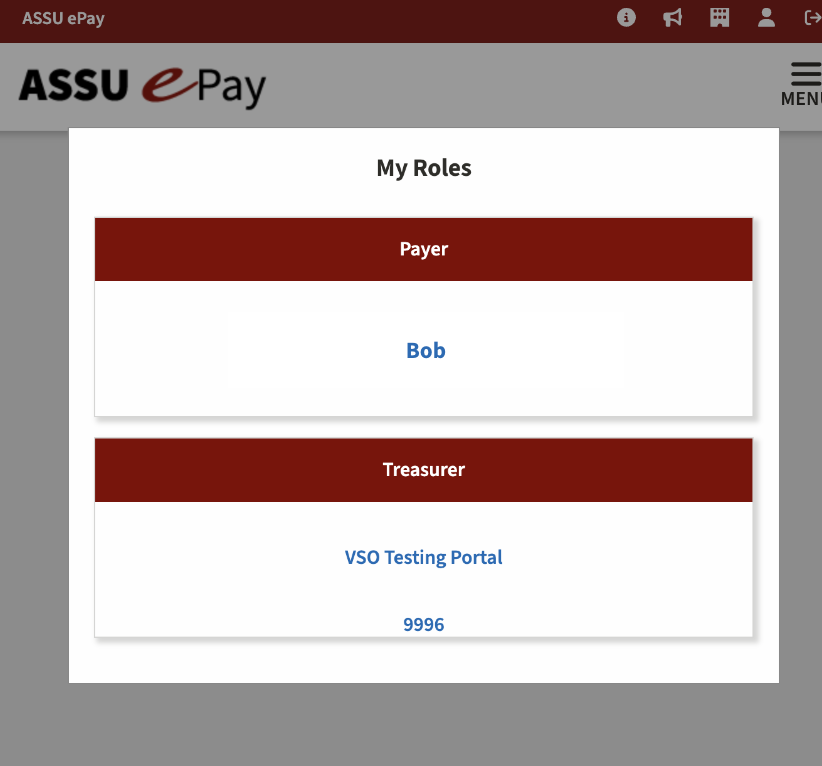
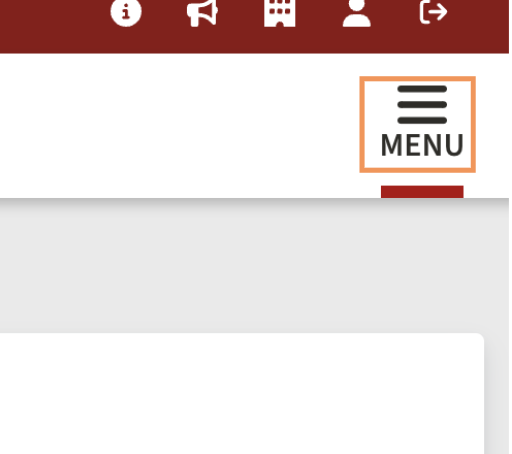
Access the menu:
Click on the "Menu" to open the drop-down options.
Select "Transactions":
From the drop-down, click on "Transactions."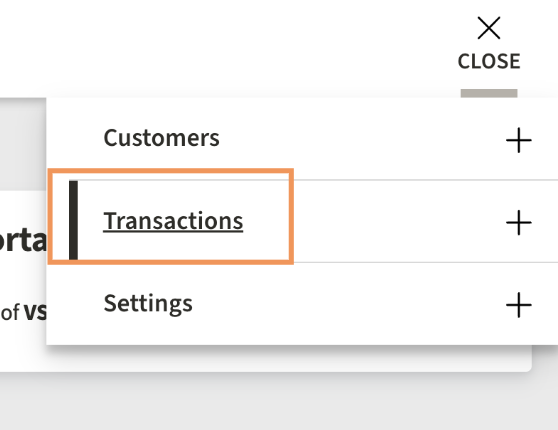
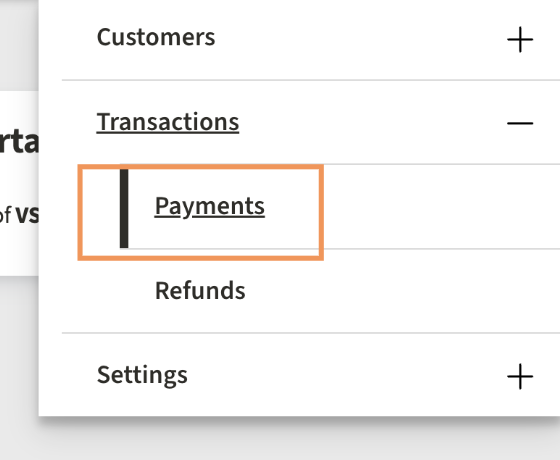
Select "Payments":
After selecting transactions, click on "Payments."
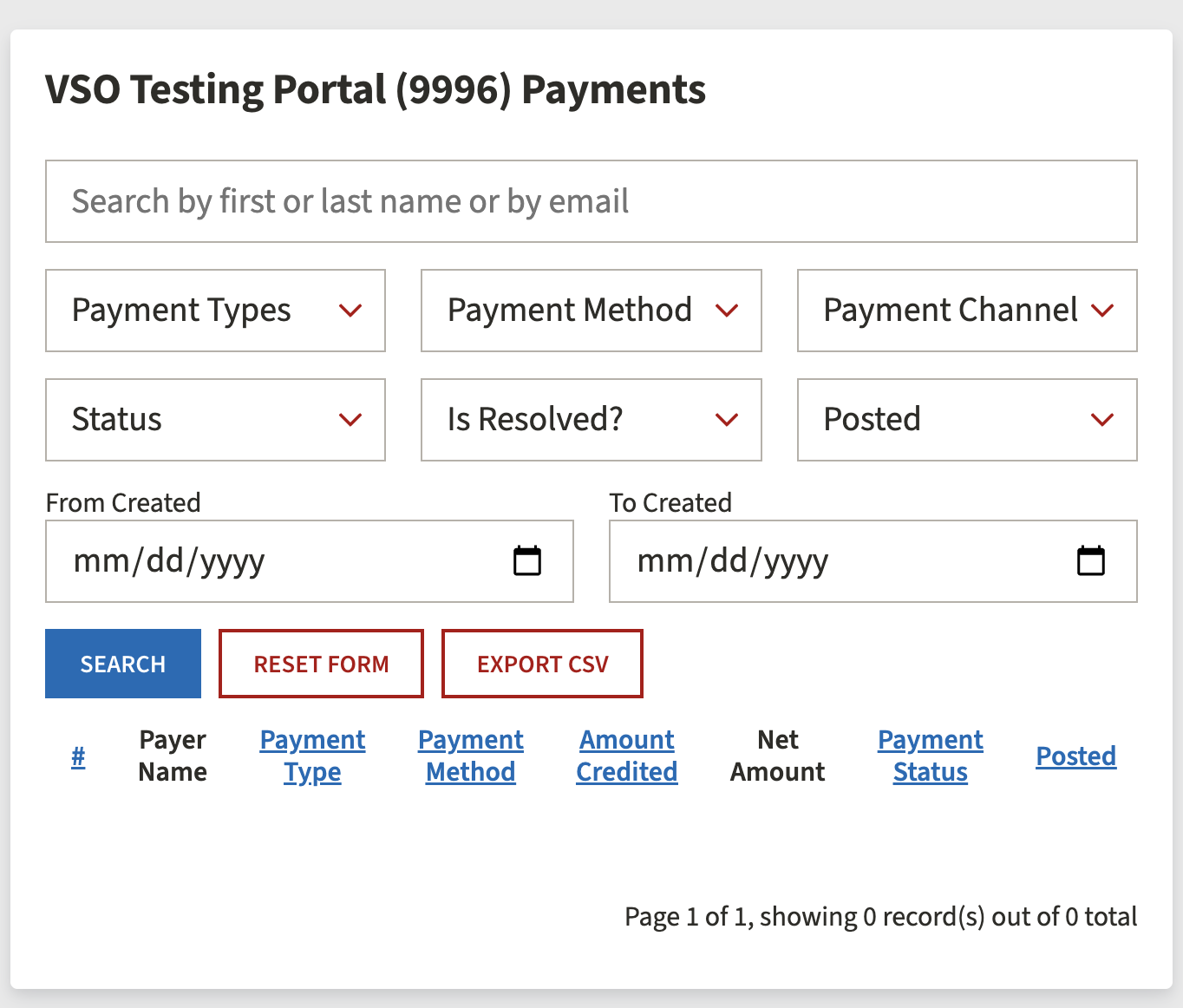
View payment history:
The next page will display all payers and payments. Any funds deposited into ASSU ePay will automatically be transferred to your VSO account on Granted. Keep in mind, there may be a processing time.
Troubleshooting:
If the transaction does not appear in Granted within 48 hours, please visit the ASSU/SSE office and speak to one of the managers for assistance.