
How To Get Access To GrantEd
To Gain the President, Vice President, and FO Roles:
💡 GrantEd syncs (nightly) with OSE's CardinalEngage Officer Roster!
Officer access to GrantEd requires the officers to be listed on CardinalEngage. Any listed officer can add/delete officers on the VSO CardinalEngage page. Follow the steps below to update the officer roster, and once you list someone as President, VP, or FO, they will get access to GrantEd the following day.
IF YOU ARE A CURRENT LISTED OFFICER:
STEP 1: Log on to cardinalengage.stanford.edu
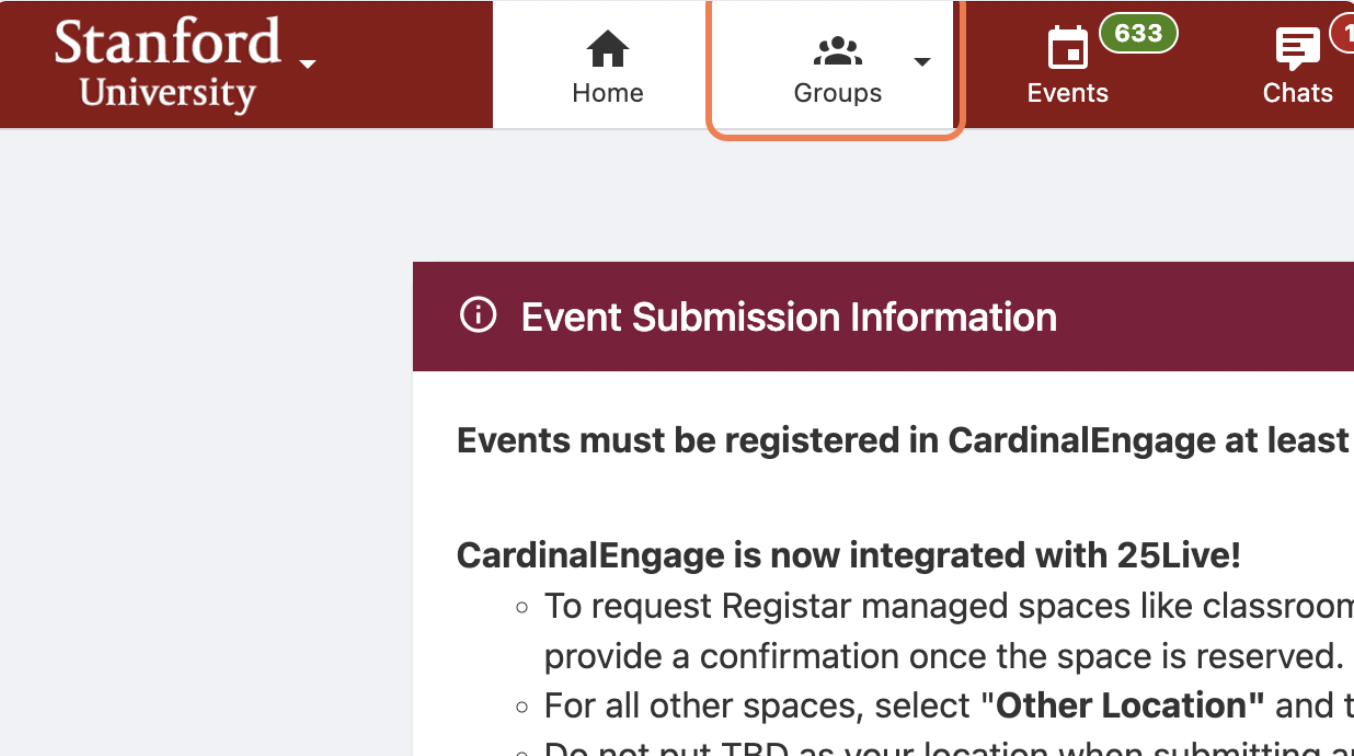
STEP 2: Search for the group for which you are an officer by clicking ‘Groups’ and selecting the group.
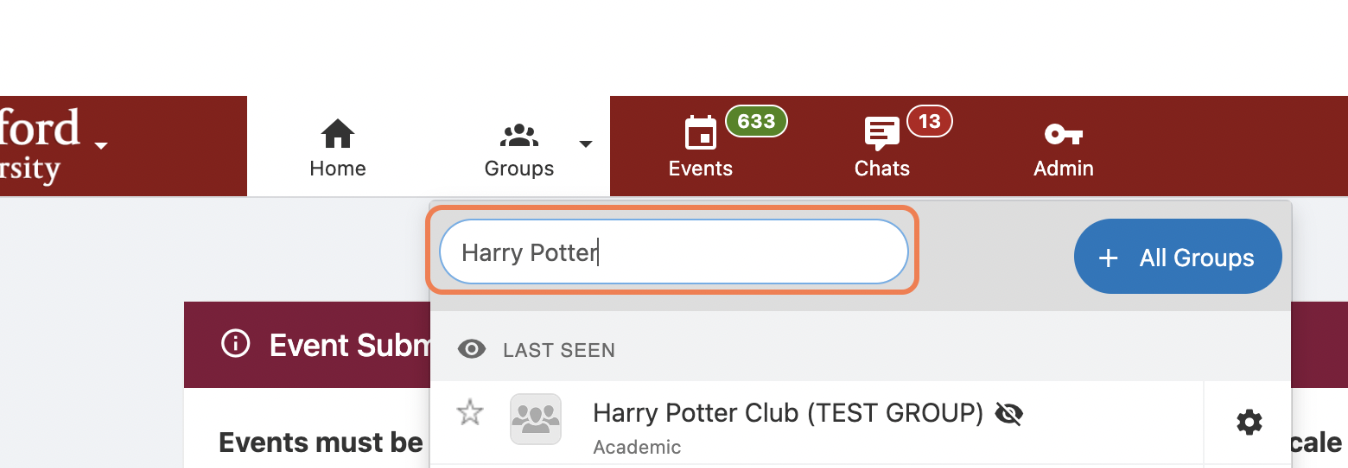
STEP 3: Select the 'Officer’ tab within the group page.
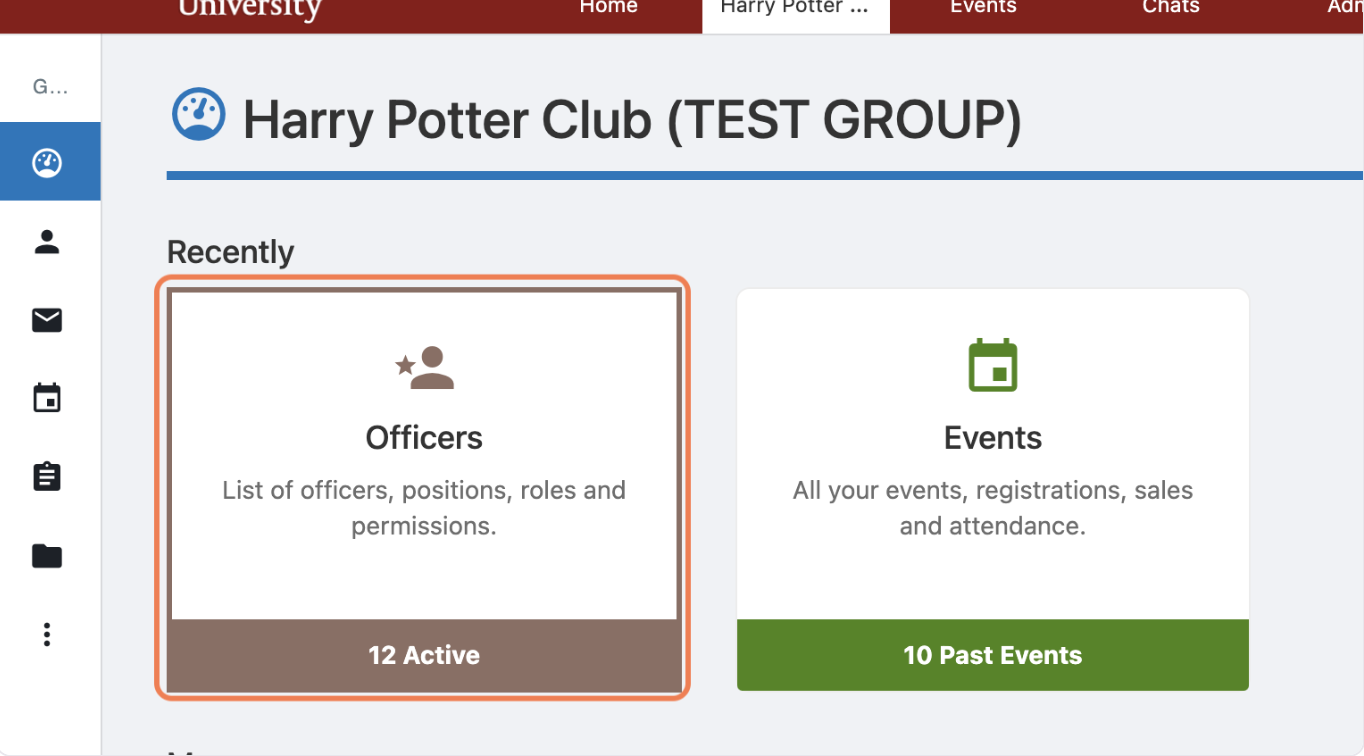
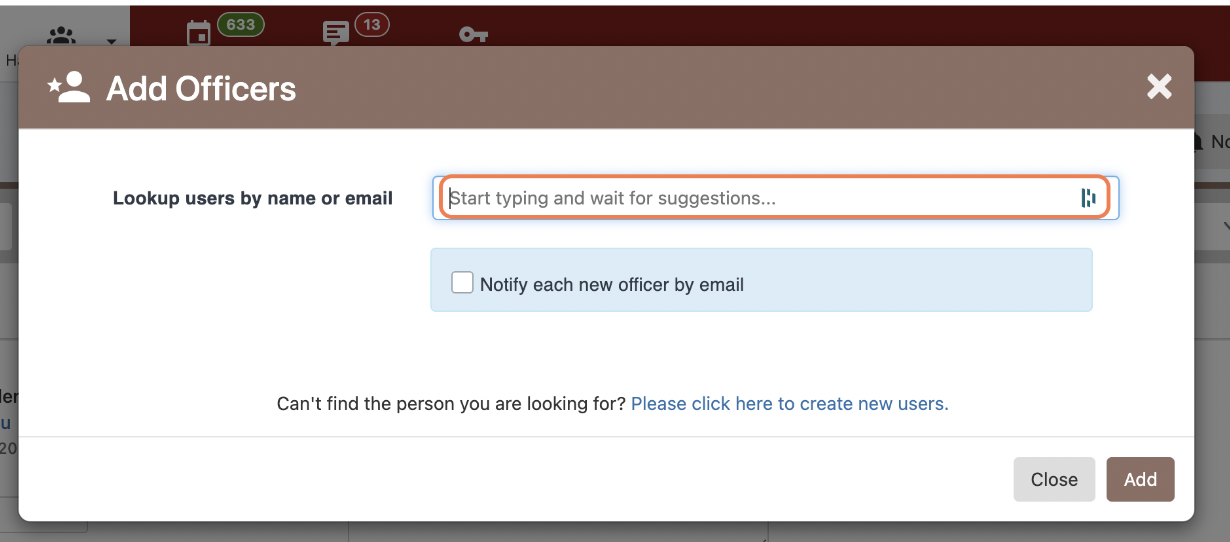
STEP 4: Select ‘Add Officer’ in the top right corner and enter the student's name or Stanford email.
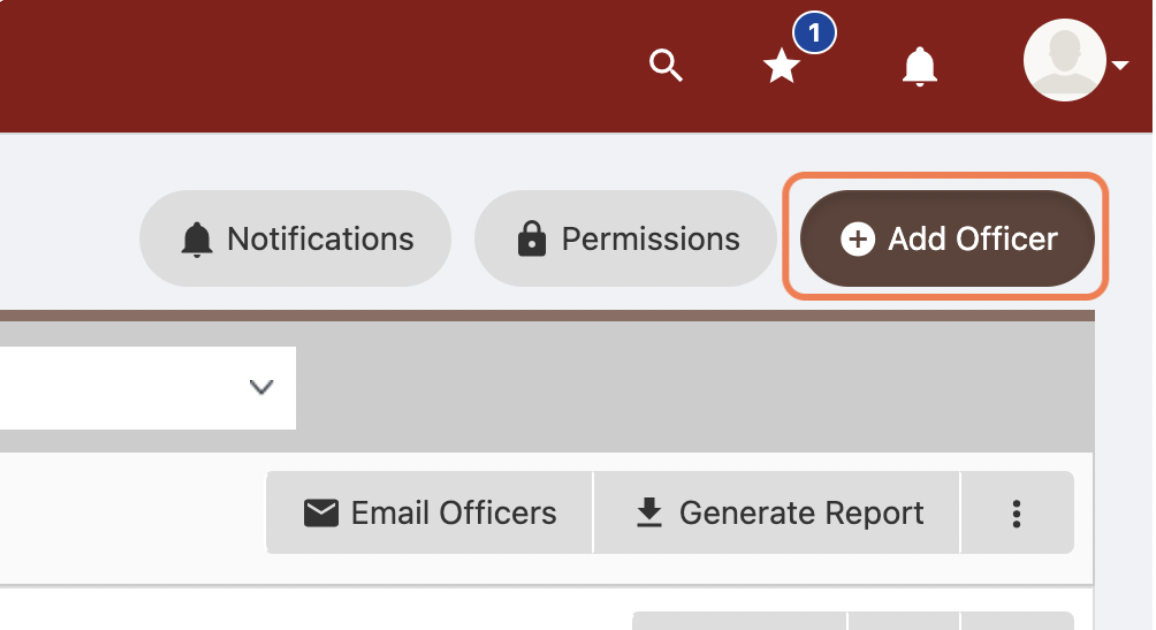
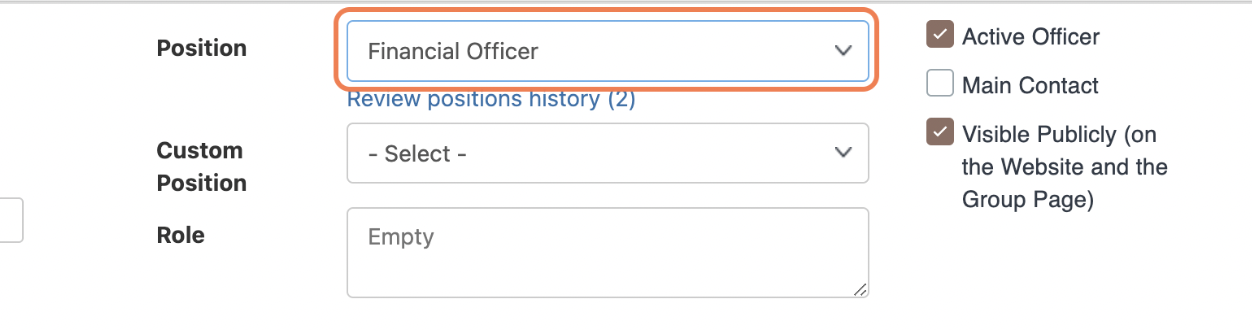
STEP 4: MOST IMPORTANT! Assign one of the three positions (President, VP, or FO). Anything else or custom positions will not get access to GrantEd. Also, make sure the ‘Active Officer’ is checked.
IF YOU ARE A NEW OFFICER AND CAN'T GET A HOLD OF PREVIOUS LEADERSHIP:
Please reach out to the OSE team at studentengagement@stanford.edu with your VSO name, the names of the officers that need to be added, SUNET ID, and the position they need.